Documentation · Settings, plan and data
Import and export
Take everything out as a sealed file with a passphrase, bring results in from a GiftWell export or the WordPress plugin with a preview first, and never count an import against your plan.
For: AdminOwner
See this screen in the demo church
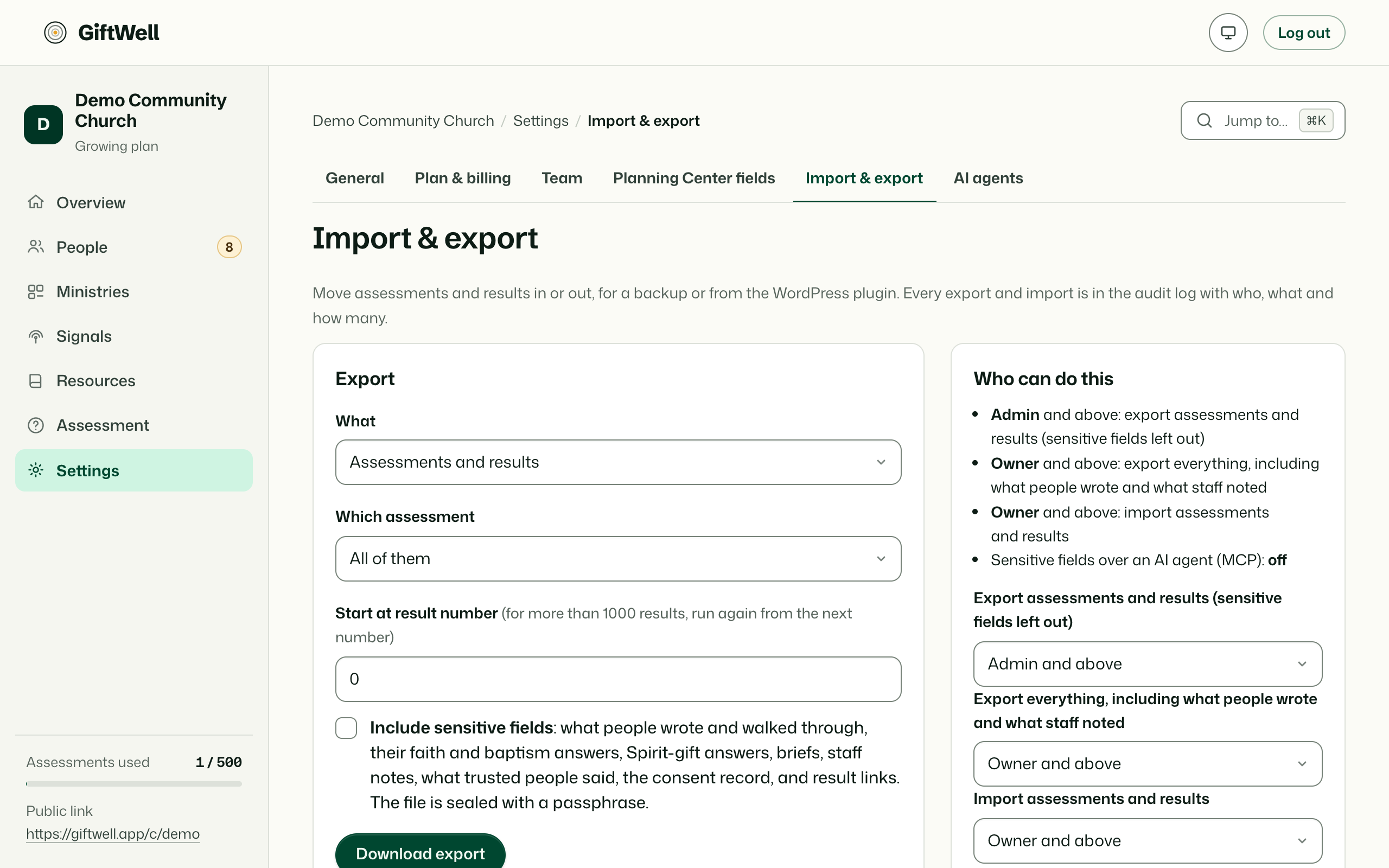
Export
One file with every person, result, score, word, consent flag, placement, conversation, ministry and setting, in a documented JSON format. The file is sealed with a passphrase you choose, because it contains what people wrote; without the passphrase it is unreadable, and GiftWell does not keep it. A plain CSV of people and band names, without any words, is also available for a spreadsheet.
Settings decides who can export: admins and the owner, or the owner alone.
Import
From a GiftWell export (moving churches, or restoring) or from the GiftWell WordPress plugin your church may have used before. Upload the file and GiftWell shows a preview: how many people, how many results, how many look like people already here (matched by email, then by name), and anything it cannot read. Nothing is written until you confirm.
- Duplicates are merged onto the existing person, with the imported result added to their timeline.
- Consent is copied as it was given, including do-not-contact. An import never makes anyone more visible than they chose to be.
- Imports never count against your plan's yearly assessments.
- Imported results show import as their source on the Assessments list.
What stays out
The something I have walked through answer is exported only in the sealed file and only to the owner, and is never in the CSV. Confirmation and result links are not exported, because they are the member's, not the church's.
Try it on your own church
Your assessment link works the minute you sign up. The first 50 people are free, and there is no card to enter.
This page as Markdown, for notes or an AI assistant.