Documentation · Ministries and placement
Serving teams
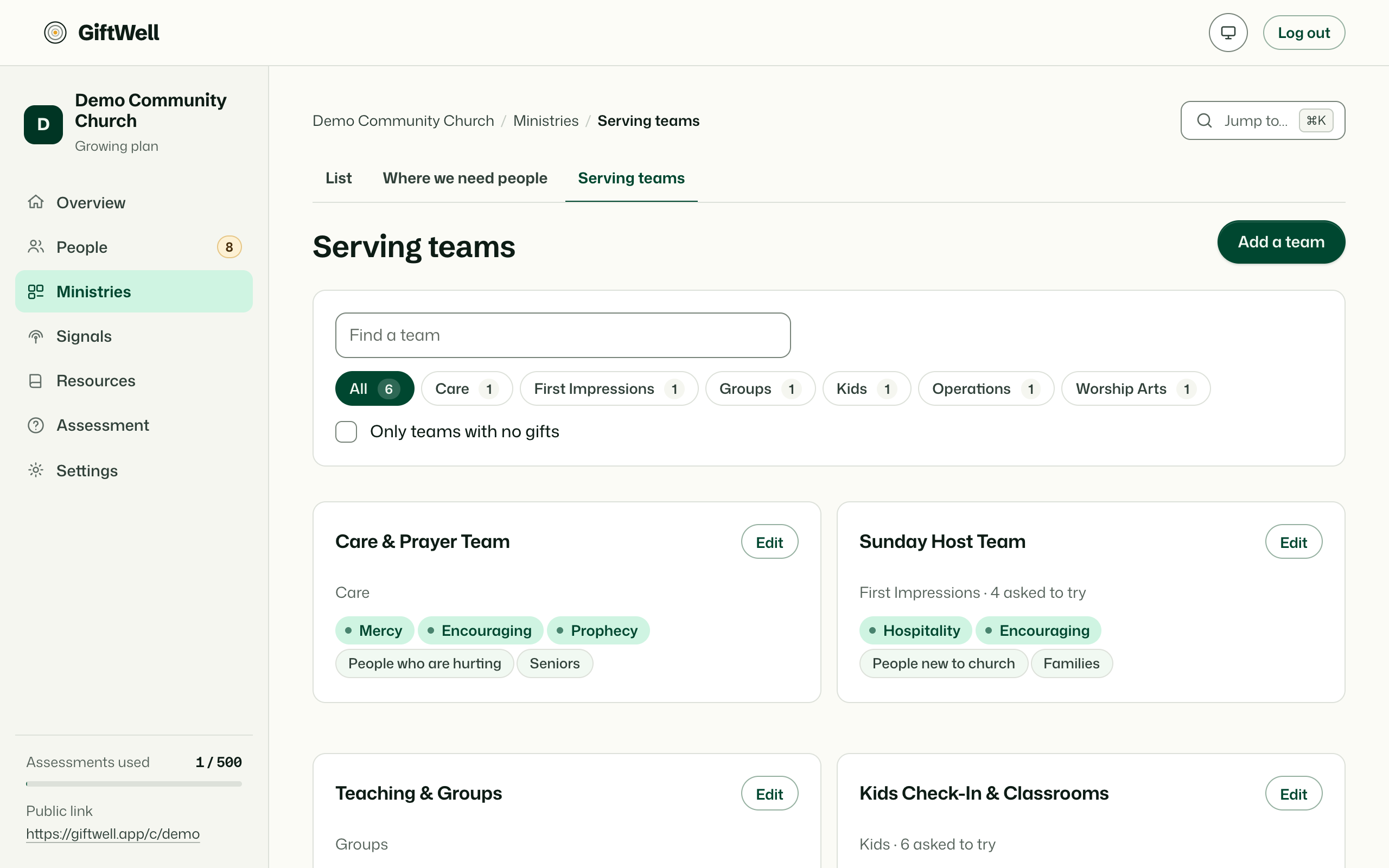
The teams a member can ask to try at the end of their result. Add them by hand, pull them from Planning Center, or let GiftWell find them on your website.
For: PastorAdminOwner
See this screen in the demo church
Teams and ministries
A ministry is how your staff think about your church (Ministries). A serving team is what a member sees at the end of their result: a name, a line about what the team does, and the gifts it uses. Often they are the same thing, and a ministry can be linked to a team so a placement in one is a placement in the other. They are kept separate because the words a member needs ("you'd be great on the welcome team, Sundays 9 to 10") are not the words a pastor needs ("Hospitality gap, two people short").
Adding teams
- By hand. Name, description, gifts it uses, and optionally when it meets and who to ask.
- Refresh from Planning Center. Pulls every team from Planning Center Services and People, keeps them linked, and refreshes names when they change there.
- From your website. GiftWell reads your website's serving or volunteer page and suggests teams.
What a member sees
The teams whose gifts overlap their lead band, each with the line about what it does and a button to ask to try it. That request appears on your side on the person's page and in the digest. Nobody is signed up for anything until a human on your team says yes.
Who sees what
Pastors, admins and the owner manage teams. Leaders see them read-only.
Try it on your own church
Your assessment link works the minute you sign up. The first 50 people are free, and there is no card to enter.
This page as Markdown, for notes or an AI assistant.