Documentation · Integrations and agents
Your website and the embed
Give GiftWell your website once and it learns your colours, logo and ministries. Then put the assessment on your site with one line, or on your own subdomain.
For: AdminOwner
See this screen in the demo church
Reading your website
In Settings → Church & brand, enter your website address and Pull from website. GiftWell reads the public pages and offers:
- your accent colour and logo, which you can keep or change;
- ministries and serving teams it found on your serve, ministries or get-involved pages, each with a description, to accept one by one;
- your church's city and name, if it found them.
Nothing is applied until you accept it. You can pull again any time your site changes.
Three ways onto your site
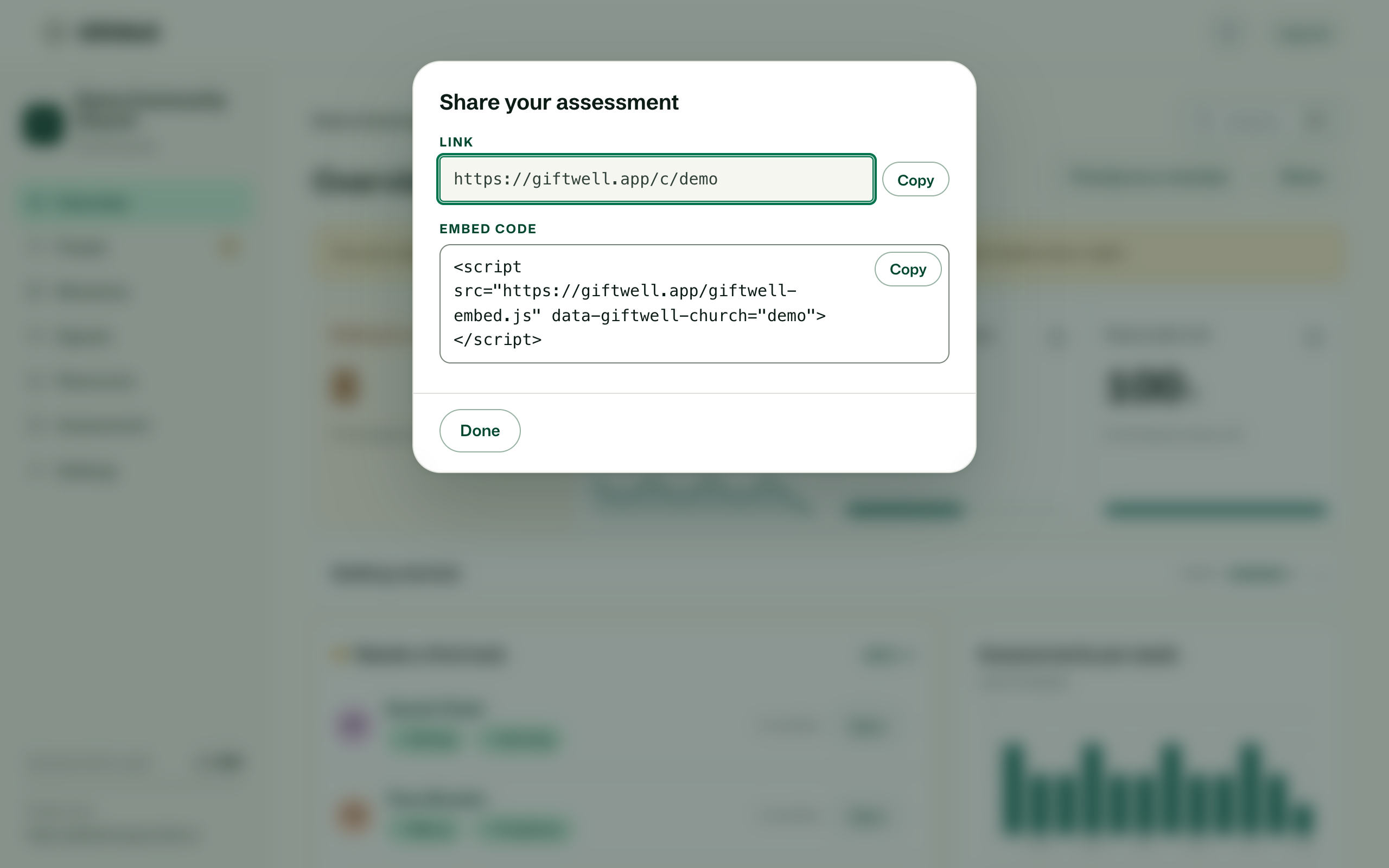
- The hosted page at
giftwell.app/c/your-church, in your colours. Link to it from anywhere. - The snippet: one
<script>line pasted into any page on your website. The assessment appears in place, full width, and grows to fit. Works on WordPress, Squarespace, Wix, Webflow, and any page that lets you add an embed or HTML block. - Your own address, like
gifts.yourchurch.org, on the Small plan and above. Add a CNAME at your domain host pointing at the name shown in Settings → General, and GiftWell serves the page there with a certificate of its own.
What the embed never does
It sets no cookies on your site for tracking, loads no analytics, and sends nothing to GiftWell until the person taps start. Progress is saved in their browser, not sent. A person on your site with JavaScript off still gets the assessment as a plain form.
Blog and the public directory
Your church's recommended resources have a public page too, and the GiftWell blog can be followed for what we learn across churches. Both are optional and off until you turn them on.
Try it on your own church
Your assessment link works the minute you sign up. The first 50 people are free, and there is no card to enter.
This page as Markdown, for notes or an AI assistant.