Documentation · Settings, plan and data
Settings
Every switch in one place: your address and brand, what members are asked, how long results are kept, embedding, integrations, and the plan.
For: AdminOwner
See this screen in the demo church
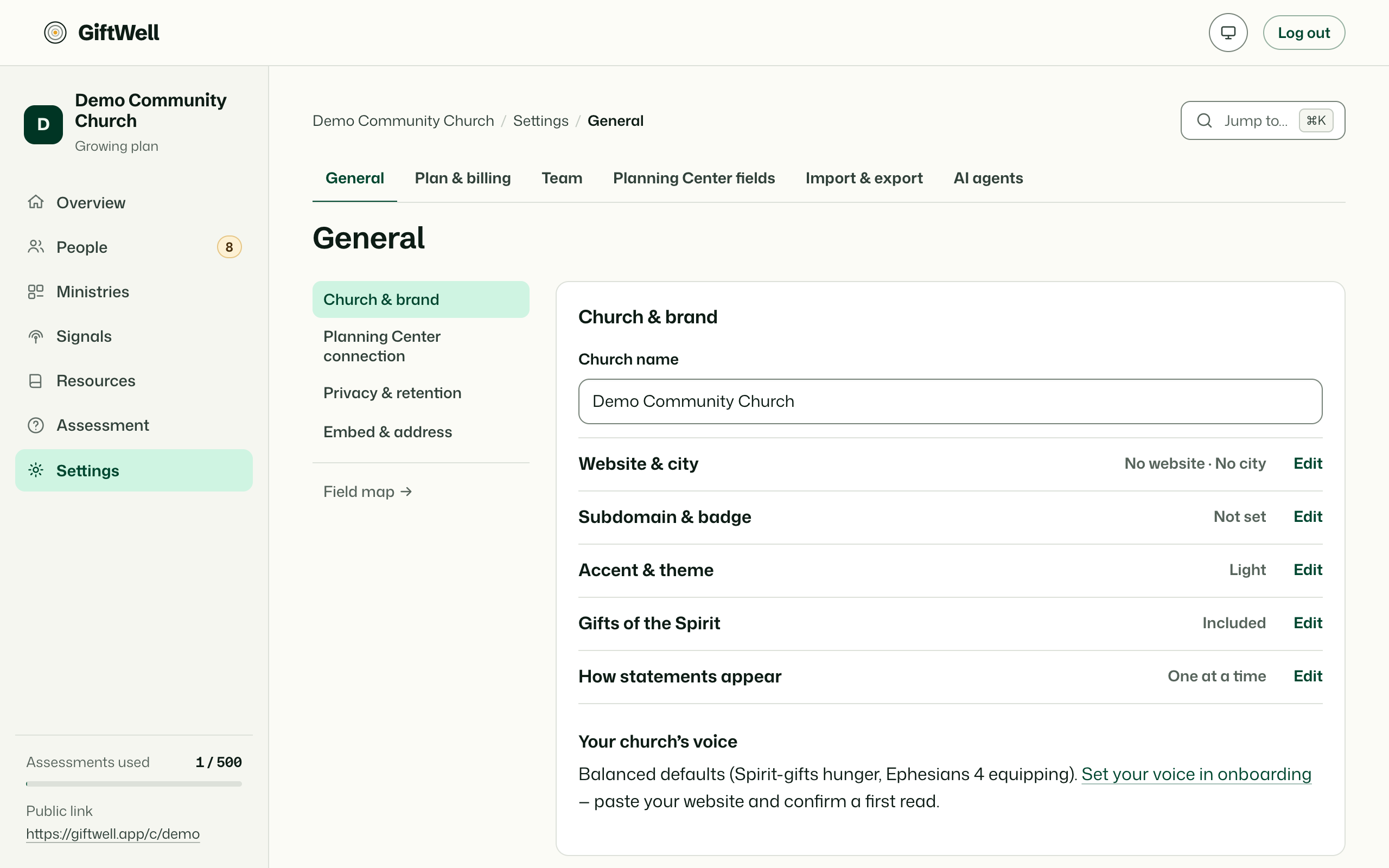
General
Your church's address on the web: the slug in giftwell.app/c/your-church, and from the Small plan your own subdomain. Change the slug and the old one keeps working for a while so printed bulletins do not break.
Church & brand
Name, city, website, accent colour, light or dark theme, and a voice note: a sentence about how your church talks, used in the result wording and in AI briefs. Pull from website fills these from your site and finds ministries (Your website and the embed).
Privacy & retention
- Auto-erase after: results older than this (one to ten years, or never) are erased, scores and words both, leaving only the band names for the charts. Members are told the period on the assessment.
- Ask age: whether to ask people if they are under 18, so GiftWell can treat them with extra care (What GiftWell never does).
- Ask to agree for Planning Center: a separate box a person must tick before anything about them is written there.
- Join the across-churches comparison: contributes band names only, as percentages, once your church has enough results.
Embed anywhere
The hosted link, the website snippet and your subdomain (Sharing the assessment).
Planning Center, AI, AI agents
Their own pages: Planning Center, AI briefs, AI agents.
Plan & billing
The plan, how many of this year's assessments are used, and the link to pay (Plan and billing). Owner only.
Danger
Hand ownership to another admin. Delete the church, which erases everything, including backups within 30 days, and cannot be undone. Owner only, with the church's name typed to confirm.
Try it on your own church
Your assessment link works the minute you sign up. The first 50 people are free, and there is no card to enter.
This page as Markdown, for notes or an AI assistant.